Create a Digital Business Card with QR Code
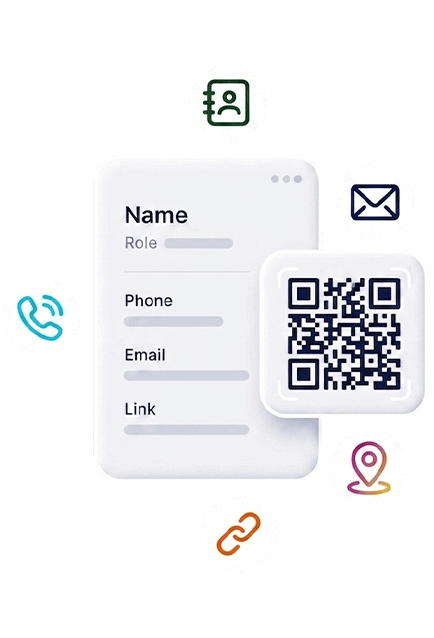
Build a QR-first digital business card that works as an online business card, vCard QR code, QR contact card, and mobile profile page. Share your contact details, links, forms, map, reviews, PayPal link, and printable QR assets from one branded destination.
- Digital business card
- vCard QR code
- QR code business card
- Paperless contact sharing
Why this page matters
A digital card should turn a scan into a next step
People do not scan a business card just to see a name. They want to save contact details, check credibility, open the right link, and decide what to do next.
Mobile-first sharing
Use one mobile page for phone, email, WhatsApp, website, map, booking, social profiles, and contact forms.
QR code access
Share the same profile from a QR code business card, badge, poster, email signature, table sign, or social bio.
Print-ready workflow
Download QR assets and use your preferred printer. No NFC card, no shipping delay, and no physical product required.
What should a high-converting digital business card include?
The best digital business card is not a copy of a paper card. It is a compact landing page for one person, team, or brand. It should answer who you are, why the visitor should trust you, and which action they should take after the scan.
Recommended flow
- Create the profileAdd the contact fields and brand content people need first.
- Generate the QRUse it on print, screens, cards, signs, and event material.
- Send visitors to actionGuide them to save contact, message, book, pay, review, or open maps.
- Update laterChange the page without redesigning every printed touchpoint.
Digital business card vs paper card vs NFC card
Each option can be useful, but the job is different. Contact Portfolio focuses on a QR-first, digital-first workflow that you can publish quickly and print anywhere.
| Option | Best for | Limit | Contact Portfolio angle |
|---|---|---|---|
| Paper business card | Offline networking and events | Static information and limited space | Add a QR code to send people to a live profile. |
| NFC business card | Premium tap-to-share moments | Requires a physical product and shipping | Use QR sharing without buying or replacing NFC cards. |
| Digital business card | Fast updates, links, forms, reviews, and payments | Needs a clear CTA to convert | Create one branded contact page and connect it to QR assets. |
Use your digital card across every customer touchpoint
A digital business card becomes stronger when it appears where people already meet you: printed cards, trade show badges, social profiles, proposals, packaging, table signs, invoices, email signatures, storefront posters, and QR code flyers. For local businesses, the same profile can connect to directions, Google reviews, payment links, service pages, and contact forms. For professionals, it helps turn networking into measurable follow-up.
Turn every scan into a saved contact, profile visit or follow-up action
Use one digital business card workflow for contact sharing, vCard-style save actions, printed QR cards, team profiles and QR destinations that can change after printing.
Create a digital business card that does more than display contact info
Start with a profile, generate a QR code, add the right calls to action, and connect your card to the rest of your business pages.