Create a PayPal Payment QR Code for Your Brand
Build a PayPal QR code flow that feels trustworthy before the customer taps pay. Connect PayPal.me links, payment links, donation pages, service deposits, and scan to pay signs with a branded page that explains who is being paid and why.
Scan to Pay
Use a QR code payment link on counters, invoices, tables, event booths, donation pages, or service desks.
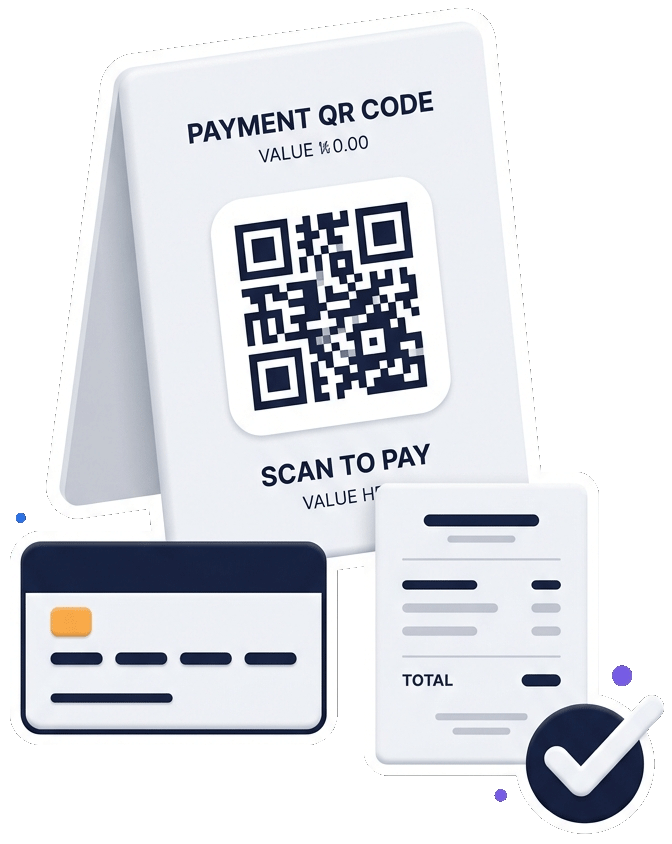
PayPal QR preview
Payment use cases
Use PayPal QR codes where payment intent already exists
A PayPal QR code works best when customers can see the business, the payment reason, and the next step before they open PayPal.
Counter and service payments
Let customers scan at checkout, reception, a service desk, or an event table when a simple payment link is enough.
Donations and support
Use PayPal donation QR codes for creators, nonprofits, community events, fundraisers, clubs, schools, and local campaigns.
Branded payment pages
Place PayPal beside service details, contact information, terms, forms, maps, reviews, or a full business profile page.
Plain PayPal link or branded PayPal QR page?
A plain PayPal link is quick, but it can feel abrupt when someone scans from a poster, invoice, receipt, or table sign. A branded payment QR page gives customers a short explanation first: business name, payment reason, service notes, support contact, and the PayPal action.
| Payment situation | Best approach | Why it helps |
|---|---|---|
| Tips, donations, quick support | Direct PayPal or donation QR | Fast action with minimal friction. |
| Service deposits or invoices | Branded page before PayPal | Clarifies what the payment is for. |
| Restaurant or event payment | Scan to pay sign with instructions | Matches the offline customer moment. |
| Multi-action business page | Profile page with payment button | Adds contact, maps, reviews, and services. |
Before you print
- Confirm the PayPal destination is correct and available for your account.
- Explain what the customer is paying for near the QR code.
- Use a branded sign so visitors know who they are paying.
- Place the QR code where lighting, distance, and phone scanning are reliable.
- Offer a contact option for payment questions, refunds, or mistakes.
Turn PayPal QR into a complete scan-to-pay workflow
The strongest PayPal QR pages are simple but not empty. They show the brand, the payment purpose, and the payment button. Then they connect related actions: contact support, view services, open a map, leave a Google review, or return to the business profile.
Make scan-to-pay moments clearer before customers leave the page
Present PayPal, donation and payment-link QR codes inside a branded customer path so people know what they are paying for before they tap through.
Create a PayPal QR code with the right payment context.
Connect PayPal links, donation links, scan-to-pay signs, and business profile actions in one branded QR workflow.