Create a QR Code Menu for Your Restaurant or Cafe
Publish a mobile digital menu that customers can open from a table QR sign, printed menu, counter display, flyer, window poster, delivery insert, or social profile. Use it for menu items, specials, photos, reviews, maps, order links, PayPal payments, and printable QR menu assets.
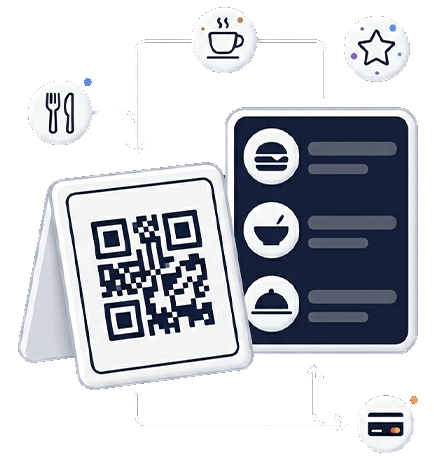
Restaurant QR Menu
Give every table a direct path to your menu
A QR menu should open quickly, explain options clearly, and help customers take the next action without installing an app.
Build the menu around how guests actually scan
A QR code menu is a high-intent page because the visitor is usually ready to choose food, check prices, order, pay, or learn more about the business. The page should not feel like a static PDF. It should guide guests from scan to decision with clear categories, readable item details, helpful links, and a simple mobile layout.
What to include on your QR menu page
- Menu categories, best sellers, seasonal items, and prices
- Food photos, descriptions, allergens, or dietary notes
- Order, delivery, reservation, or PayPal payment links
- Google Maps, phone, opening hours, and social links
- Google review QR link or feedback form
- Printable QR menu signs for tables and counters
Menu use cases
Different food businesses need different menu flows
| Business type | Most useful content | Best related page |
|---|---|---|
| Restaurant | Lunch/dinner categories, table signs, booking, reviews, maps. | Restaurant QR menu |
| Cafe | Drinks, bakery items, seasonal specials, loyalty links, Instagram. | Cafe QR menu |
| Food truck | Daily location, opening hours, payment link, limited menu, social updates. | Google Maps QR |
| Bakery | Daily products, custom orders, catering form, gallery, delivery info. | Business profile page |
Create scan-friendly menu pages that support ordering, reviews and repeat visits
Give guests a no-app QR menu experience and connect the same scan journey to specials, Google reviews, directions, payments and printable table signs.