Digital card and QR code example hub
Digital Business Card Examples, QR Code Use Cases and Printable Sign Ideas
Browse practical Contact Portfolio examples for digital business cards, QR code business cards, restaurant QR code menus, Google review QR codes, PayPal payment QR codes, Google Maps directions, business profile pages and printable QR code signs. Each example is built around a real customer action: scan to save a contact, scan to view a menu, scan to pay, scan to leave a review, scan for directions or scan to open a mobile brand page.
This showcase is not a generic gallery. It is a planning page for choosing the right QR destination, call-to-action, print placement and landing page structure before you create your own scan-ready page.
Restaurant QR Menu
Scan a table sign, open a mobile menu, view specials, find directions, pay or leave a review.
Example map
Choose the example that matches your search intent
A digital business card example should not look the same as a QR code menu, a PayPal payment QR, or a review us QR code sign. Each use case needs a different landing page, a different call-to-action, and a different print placement. Use this map to decide which Contact Portfolio solution fits your next campaign.
Digital Business Card Example
Best for consultants, founders, creators, sales teams and professionals who need a paperless business card, vCard style contact sharing, social links, lead forms and a QR contact card that can be printed on physical material.
- Online business card profile
- Save contact QR code flow
- Business card with QR code
Business QR Code Example
Best for brands that need QR codes for websites, contact info, business profile pages, Google Maps, customer reviews, payment links, forms, menus and offline marketing campaigns. Use it when the QR destination may change over time.
- Business QR code generator
- QR code landing page
- Branded and printable QR assets
QR Code Menu Example
Best for restaurants, cafes, bakeries, food trucks and table-service businesses that want a no app QR menu. Connect table QR signs to a mobile menu, specials, ordering instructions, reviews, directions and payment links.
- Restaurant QR code menu
- Cafe QR code menu
- Printable QR menu signs
Google Review QR Example
Best for local businesses that want more Google reviews from customers at the exact moment of satisfaction. A review us QR code sign can sit near checkout, on tables, inside packaging, on receipts or near service desks.
- Google review QR code
- Review us QR code sign
- Google Business Profile QR code
Payment QR Code Example
Best for service counters, donation boxes, event booths, invoices, flyers and small business payment points. Connect a PayPal QR code or payment link QR code to a clean scan-to-pay page and downloadable sign design.
- PayPal payment QR code
- Scan to pay QR sign
- Printable payment QR code
Printable QR Sign Example
Best for businesses that want QR codes on posters, table tents, counter signs, stickers, product packaging, business cards or review requests. Contact Portfolio focuses on digital and print-ready assets, not physical shipping.
- QR code poster template
- Table QR sign
- Business card QR code template
From QR code to complete customer journey
Design the destination before you print the code
Many QR code examples fail because the code is treated as the whole campaign. The scan is only the first step. The destination page, headline, button, trust signals, contact options and next action decide whether a customer saves your contact, opens your menu, pays, leaves a review or requests a quote. Contact Portfolio combines the QR code, mobile destination and printable design so the entire experience feels intentional.
Use a smart QR code generator when you want flexibility, a branded business QR code when the QR must match your identity, and printable QR code designs when the QR needs to work on tables, posters, cards, windows, flyers or product packaging.
- Choose a destination: digital card, menu, map, review, payment, form, website or business profile page
- Write a clear scan call-to-action such as save contact, view menu, review us, scan to pay or get directions
- Customize the QR design with brand colors, labels, logo and a print-ready layout
- Place the QR code where the customer already has intent, not where it only looks decorative
Which example should you build?
A practical guide for QR code and digital card use cases
Use this table to connect your business goal to the right page. It also keeps internal links meaningful: each example points to a specific landing page instead of sending every visitor back to a generic features page.
| Business goal | Best example | Recommended destination | Best print placement |
|---|---|---|---|
| Share professional contact details after a meeting | Digital business card with QR code | vCard QR code or digital business card | Printed business card, badge, event flyer, email signature |
| Let diners view a menu without downloading an app | QR code menu | restaurant QR menu or cafe QR menu | Table tent, counter sign, window sticker, takeaway card |
| Get more customer reviews from real visitors | Review us QR code sign | Google review QR code | Checkout counter, receipt, packaging, service desk, table card |
| Accept payment or donations from a printed sign | Scan to pay QR sign | payment QR code generator or PayPal QR code | Counter sign, invoice, event booth, donation table, flyer |
| Guide people to a physical location | Google Maps directions QR code | Google Maps QR code | Flyer, invitation, appointment card, storefront sign, event pass |
| Turn social or QR traffic into one mobile business page | Business profile, link in bio or mini website | business profile page, business link in bio or mini website | Instagram bio, QR poster, product packaging, business card, storefront sign |
Example strategy
Match the QR code example to the business goal
The strongest QR campaigns start with a specific action. A consultant may need a digital contact card that gets saved after a meeting. A cafe may need a table QR code menu that can change weekly. A salon may need a Google review QR code near checkout. A vendor may need a PayPal QR code on a counter sign. A local shop may need a Google Maps QR code on a flyer.
The showcase helps you avoid mixing all of these into one generic page. Instead, each QR code example points to a focused landing page with the right copy, buttons, print guidance and related links. That makes the page clearer for visitors and gives search engines a stronger signal about what each page is designed to rank for.
Create Your Example
Choose Destination
Digital card, QR menu, Google review, PayPal, map, form, link in bio or mini website
Write the Scan CTA
Save contact, view menu, review us, scan to pay, get directions or open profile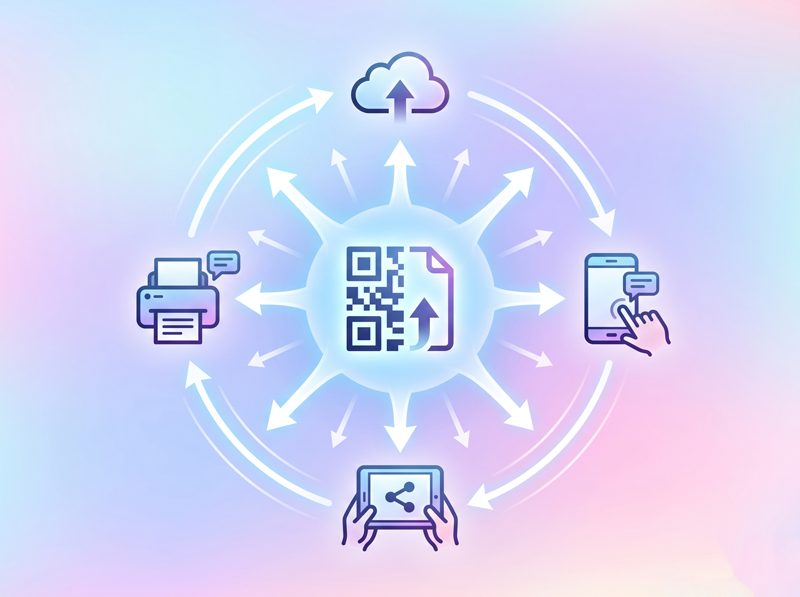
Download & Place
Use PNG, PDF or SVG assets inside posters, cards, signs, menus, flyers or packagingFiltered examples
Scan-ready examples for high intent customer actions
Filter the gallery by the kind of action you want customers to take. Each card uses a specific landing page link so the showcase supports SEO clusters instead of repeating the same destination.

Restaurant Digital Menu
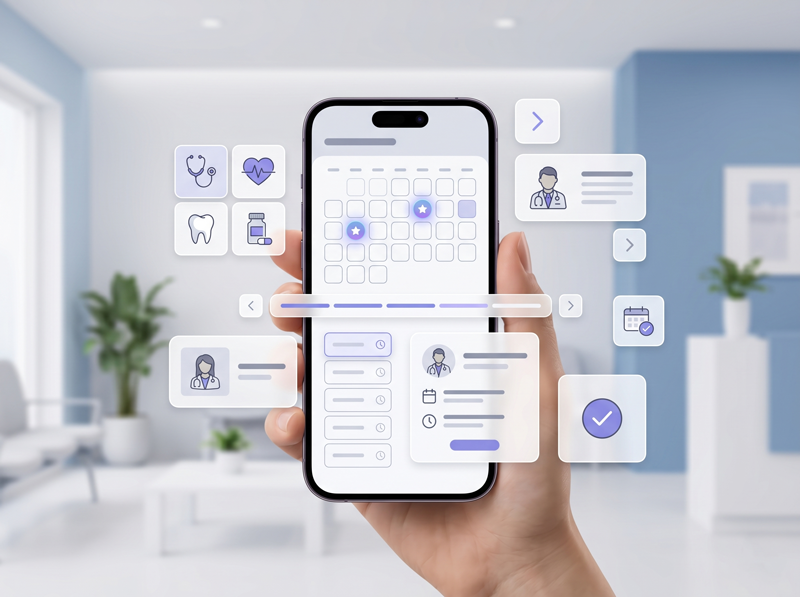
Clinic Business Profile

PayPal Payment QR

Google Review QR

Table QR Sign
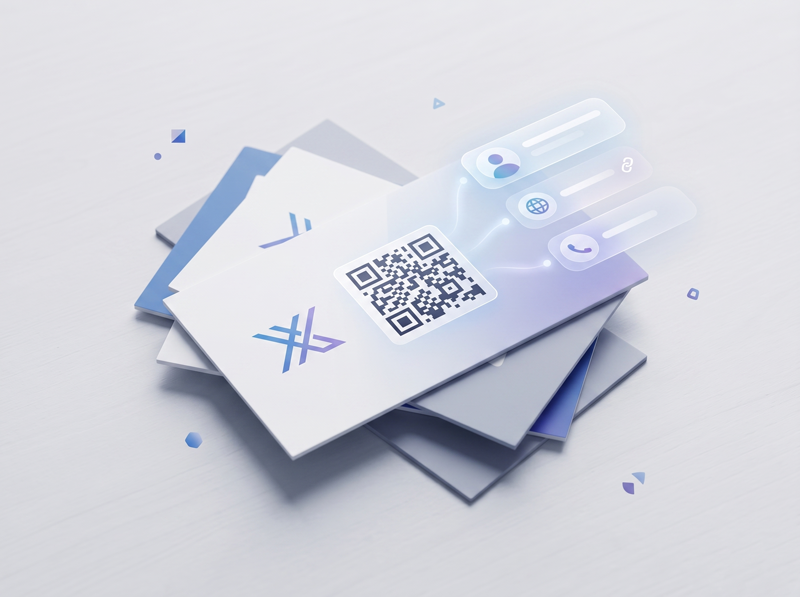
Business Card QR Template
Build your own example
Turn inspiration into a working QR campaign
After choosing an example, the next step is to build the page and printed asset around one measurable action. Contact Portfolio lets you start with a digital page, connect QR destinations and download files you can use offline.
Pick the action
Choose save contact, view menu, pay, review, get directions, book, follow, submit a form or open a profile page.
Build the page
Add your headline, logo, services, contact buttons, map, links, form, menu sections or payment destination.
Create the QR asset
Generate a branded QR code and place it inside a print-ready sign, poster, business card or table layout.
Place and improve
Put the QR where intent already exists, then watch scans, adjust the destination and improve the customer flow.
Related solution pages
Continue from the showcase to a focused landing page
The final section links to the pages most closely related to the showcase examples. This keeps internal linking useful for users and supports clear SEO clusters around digital business cards, business QR codes, menus, reviews, payments and print-ready signs.
Use these examples to choose the right digital card, QR code, menu, payment, review, or printable sign flow.
Showcase Questions
Create Your Free CardBuild a customer journey worth scanning
Create a digital business card, QR menu, payment QR code, review QR sign or printable QR asset from one Contact Portfolio account.
Create Your Free Card